Didn't Receive a Confirmation Email
When you sign up for a BookingFlow account you must first verify your email address. To do this, open the "Verify your email address!" email sent to you from noreply@bookingflow.app and click the Activate button.
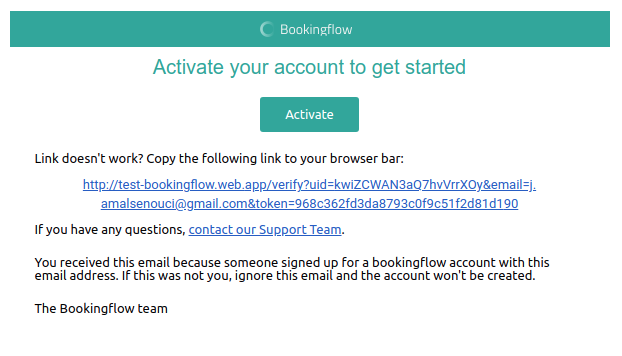
If the email never arrived:
-
Check your spam or junk mail folder — search for the subject line Verify your email address!.
-
Still nothing? Reset your password instead. Go back to app.bookingflow.app, re-enter your email address, and select Forgot your password? — following the reset link gets you into your account without the verification email.
-
Give it ten minutes — occasionally email providers hold delivery for a few minutes, especially on first signup.
Related: guest confirmations
If a guest reports not receiving their reservation confirmation, check:
- The booking is Confirmed (not a hold — see the booking lifecycle)
- The booking has an email address on it (walk-ins added without email get none)
- The email is in their spam folder
Guests can also be re-sent details in a reply from the Communications inbox.